
direction
The four directions into which content can be laid out.
Possible values are:
ltr: Left to right.rtl: Right to left.ttb: Top to bottom.btt: Bottom to top.
These values are available globally and also in the direction type’s scope, so you can write either of the following two:
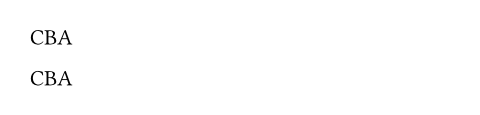
#stack(dir: rtl)[A][B][C]
#stack(dir: direction.rtl)[A][B][C]
Definitions
from
Returns a direction from a starting point.
 View example
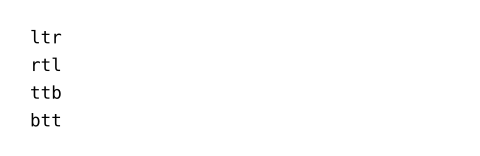
#direction.from(left) \
#direction.from(right) \
#direction.from(top) \
#direction.from(bottom)
side
to
Returns a direction from an end point.
View example
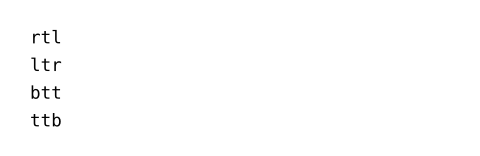
#direction.to(left) \
#direction.to(right) \
#direction.to(top) \
#direction.to(bottom)
side
axis
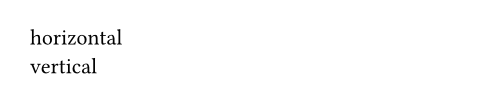
The axis this direction belongs to, either "horizontal" or "vertical".
View example
#ltr.axis() \
#ttb.axis()
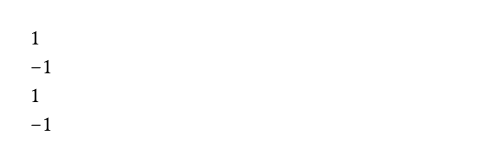
sign
The corresponding sign, for use in calculations.
View example
#ltr.sign() \
#rtl.sign() \
#ttb.sign() \
#btt.sign()
start
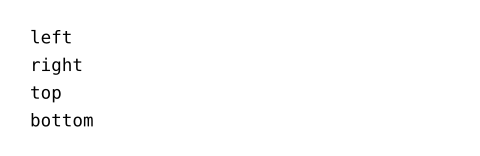
The start point of this direction, as an alignment.
View example
#ltr.start() \
#rtl.start() \
#ttb.start() \
#btt.start()
end
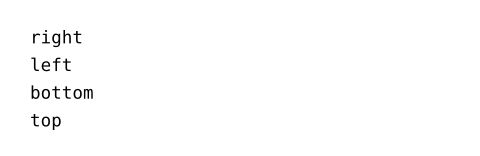
The end point of this direction, as an alignment.
View example
#ltr.end() \
#rtl.end() \
#ttb.end() \
#btt.end()
inv
The inverse direction.
View example
#ltr.inv() \
#rtl.inv() \
#ttb.inv() \
#btt.inv()