
pagebreakElement
A manual page break.
Must not be used inside any containers.
Example
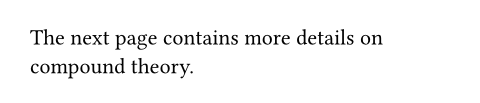
The next page contains
more details on compound theory.
#pagebreak()
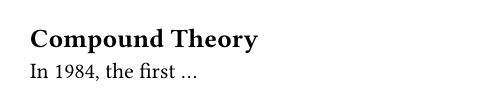
== Compound Theory
In 1984, the first ...
Even without manual page breaks, content will be automatically paginated based on the configured page size. You can set the page height to auto to let the page grow dynamically until a manual page break occurs.
Pagination tries to avoid single lines of text at the top or bottom of a page (these are called widows and orphans). You can adjust the text.costs parameter to disable this behavior.
Parameters
weakDefault: false
If true, the page break is skipped if the current page is already empty.
toDefault: none
If given, ensures that the next page will be an even/odd page, with an empty page in between if necessary.
 View example
#set page(height: 30pt)
First.
#pagebreak(to: "odd")
Third.



| Variant | Details |
|---|---|
"even" | Next page will be an even page. |
"odd" | Next page will be an odd page. |